
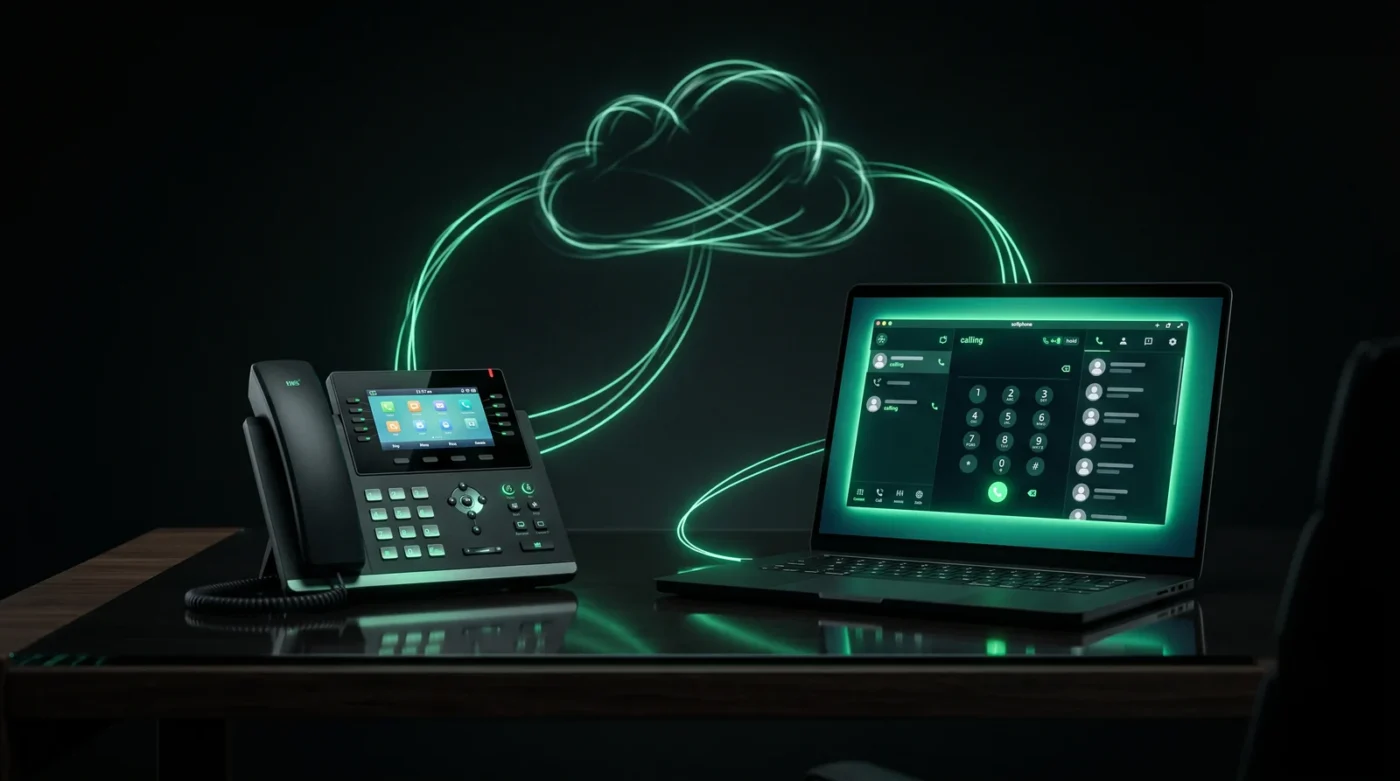
If you have been researching business phone systems, you have almost certainly run into the name. So, what is 3CX? In short, 3CX is a software-based business phone system (a PBX) that replaces traditional desk-phone hardware and expensive on-premise phone equipment. It runs in the cloud or on your own server, and it lets your team make and receive business calls from desk phones, computers and mobiles – all on one number, one system.
In this guide we explain what 3CX does, how it is licensed, what the apps look like day to day, and what to consider before deploying it in an Australian business.
What is 3CX, exactly?
3CX is an IP PBX – a phone system that carries calls over the internet using SIP (the standard protocol for VoIP calling) instead of old copper phone lines. Where a traditional PBX was a box on the wall in your comms room, 3CX is software. That single change unlocks most of its advantages:
- Work from anywhere. Your extension follows you across the 3CX web client, Windows desktop app, and iOS/Android apps.
- One system for everything. Calls, video conferencing, live chat, WhatsApp and SMS messaging, call queues, IVR menus and call recording are all built in.
- Lower cost. 3CX is licensed per system (based on simultaneous calls), not per user – which is why it routinely undercuts per-seat cloud phone products as your team grows.
3CX is developed by 3CX Ltd and is used by hundreds of thousands of organisations worldwide, from small offices to large contact centres.
How is 3CX different from a traditional phone system?
A traditional PBX ties your phone numbers and call handling to physical hardware in your office. 3CX decouples all of it. Your numbers are delivered over SIP trunks, your call flows are configured in a web console, and your handsets – whether physical Yealink desk phones or software apps – simply register to the system over the network.
Practical differences you will notice:
- Adding a new staff member takes minutes, not a technician visit.
- Moving office does not mean moving phone lines – the system comes with you.
- Reception, call queues, voicemail-to-email and after-hours routing are configuration, not add-on hardware.
3CX editions and licensing
3CX comes in several editions – from the free 3CX StartUP tier for small teams up to the feature-rich tiers used by larger organisations – licensed per system based on simultaneous calls. We unpack exactly how the licensing and costs work (including current published pricing) in our guide to 3CX pricing in Australia.
We keep a full, up-to-date breakdown on our 3CX editions and feature comparison page, and if you are a smaller team, 3CX StartUP by Tronic Cloud is a very low-cost way to get started.
What do you need to run 3CX in Australia?
Three things:
- Hosting. 3CX can be self-hosted, but most businesses choose a hosted/managed deployment such as 3CX powered by Tronic Cloud, where the server, updates, security and backups are handled for you on Australian infrastructure.
- SIP trunks and numbers. Your phone numbers are delivered as SIP trunks. Existing numbers can be ported across – see our guide to porting your numbers to Tronic.
- Endpoints. The free 3CX apps for Windows, web, iOS and Android, and optionally IP desk phones and headsets or handsets for reception and heavy phone users.
Can 3CX use AI?
Yes – and this is where a modern 3CX deployment really pulls ahead. Tronic can layer an AI receptionist onto your 3CX system so calls are answered 24/7, plus AI call transcription and AI call analytics that summarise and score every conversation. If you want to go further, our Australian-hosted voice AI agents integrate directly with 3CX.
Frequently asked questions
Is 3CX free?
There is a free tier for very small teams (3CX StartUP Free), with paid editions unlocking more simultaneous calls and advanced features. Hosting and call charges are separate from the licence.
Does 3CX work with existing phone numbers?
Yes. Australian numbers – including 1300 and 1800 numbers – can be ported to a 3CX-compatible SIP provider. See our 1300 and 1800 number services.
Is 3CX suitable for a call centre?
Yes. Call queues, wallboards, agent status, reporting and call recording are core features, and the Professional/Enterprise editions add contact-centre-grade reporting. See our overview of 3CX from Tronic.
Ready to see 3CX in action?
Tronic is an Australian 3CX partner. We host, licence, configure and support 3CX powered by Tronic Cloud for businesses across the country, and we can even add a 24/7 AI receptionist on top. Get in touch for a plan enquiry or call our sales team on 1300 788 718 (support: 1300 799 095).